Company Scan AI
Company discovery + enrichment + decision-maker intelligence

Quick start
Download → install in Chrome or Edge → search → export Excel → upgrade to Pro when you need more.
1 / 7
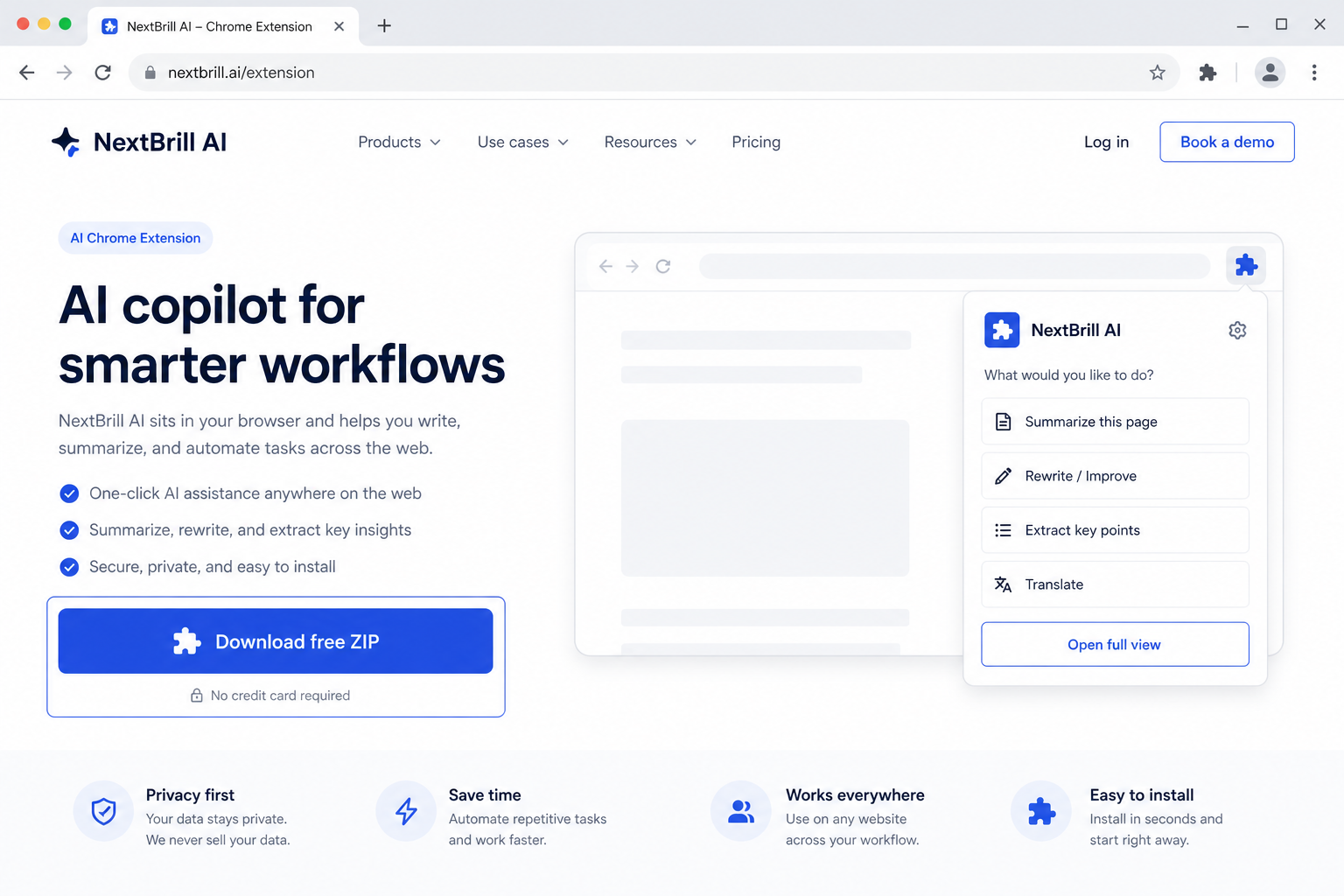
1 · Download free
Get ads-intelligence-ai.zip from this page — free trial is built in.

Marketing Intelligence
AI Chrome extension for Google Search
Enter keywords (with area names), collect Possible Advertiser and Possible Organic results from Google Search pages 1–5, dedupe by root domain, and export one Excel sheet.
Free trial built in · Pro unlocks with Extensions Suite ($25/month for the full catalog)
Version 1.3.53
Download the ZIP, unzip it, then open chrome://extensions (Chrome) or edge://extensions (Edge), enable Developer mode, and Load unpacked. Free trial is built in — no license key required to start.
Ads Intelligence AI reads Google Search HTML to collect Possible Advertiser and Possible Organic listings for your keywords — without clicking ads — then dedupes by root domain into one Excel sheet.
Map who appears as sponsored vs organic for client keywords.
Put city/area in keywords to research local advertiser landscapes.
Find companies advertising on Google for intent-rich keywords.
Pro via Extensions Suite — $25/mo (all eligible tools)
Company Scan AI
Company discovery + enrichment + decision-maker intelligence
Business Opportunity AI
New-business & growth-signal discovery for local markets
Google Maps Leads AI
AI Chrome extension for Google Maps
Directory Lead Finder AI
One keyword → Google directories → pick domain → Excel
No. It reads Google Search page HTML and converts Sponsored and organic listings into Excel data.
Labels are best-effort from page structure — Sponsored blocks vs regular organic listings.
By root domain after the run. Rows with no domain are kept for later website discovery.